Creating consistent and high-quality content on YouTube is not an easy task. Writing scripts, recording videos, editing, and then publishing — all of this process takes a lot of time. That’s why smart YouTubers use productivity tools so they can make their workflow faster and focus more on creativity. On my website INFOVISTAWORLD.COM, I will tell you how you can use these tools to benefit from them, how you can save your time, and how you can make your work easier. I have also included many of my personal experiences in this, which are very helpful for you.
In today’s time, productivity tools are not just an option, but have become a necessity. These tools automate repetitive tasks, improve content quality, and save your time.
In this article, we will discuss the top 10 productivity tools that every YouTuber should use.
1. ChatGPT – Best for Script Writing and Ideas
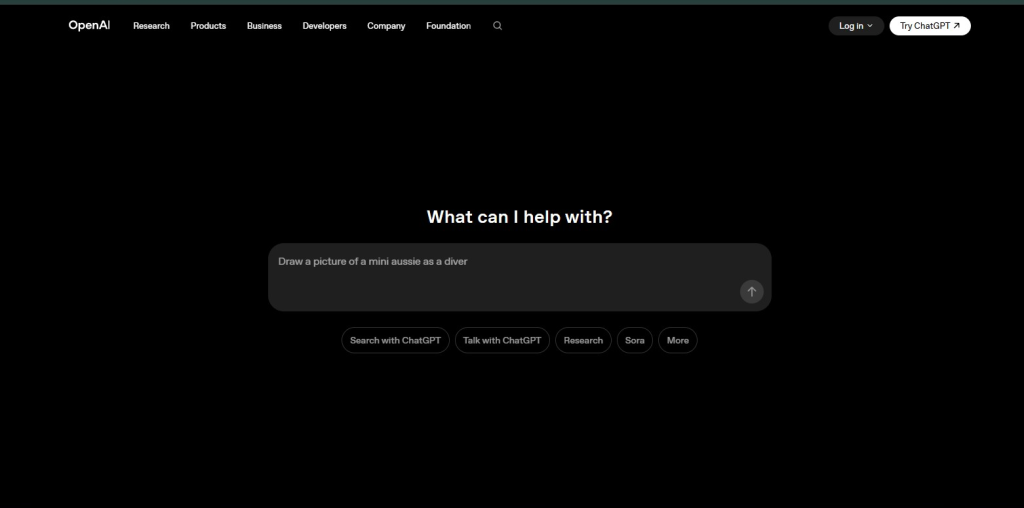
ChatGPT is the most powerful tool for YouTubers. With its help, you can generate video scripts, titles, descriptions, and new ideas in seconds. ChatGPT is an excellent tool for script writing and idea generation, provided that you use it with the right prompts. For me, it has proven to be very helpful—I complete many tasks within minutes using it. ChatGPT helps me a lot in understanding and writing any language, and it also saves a lot of my time. In today’s era, you can do almost any work if you know how to use ChatGPT properly; it can be extremely useful for you.
If you have to create content daily, then this tool can save you a lot of time.
Key Benefits:
- Fast script writing
- Unlimited ideas
- SEO-friendly titles
2. Notion – Planning and Organization Tool
Notion is an all-in-one tool where you can plan your YouTube content. You can create a content calendar, store ideas, and manage your workflow. Notion is an “All-in-One” workspace that makes your script writing and planning super-efficient when combined with ChatGPT. If ChatGPT is your “Brain,” then Notion is your “System.” Whenever a random idea comes, capture it in Notion. Create a ‘Gallery View’ database where each idea is a separate card.
Key Benefits:
- Content planning
- Task management
- Organized workflow
3. Canva – Best for Thumbnail Design
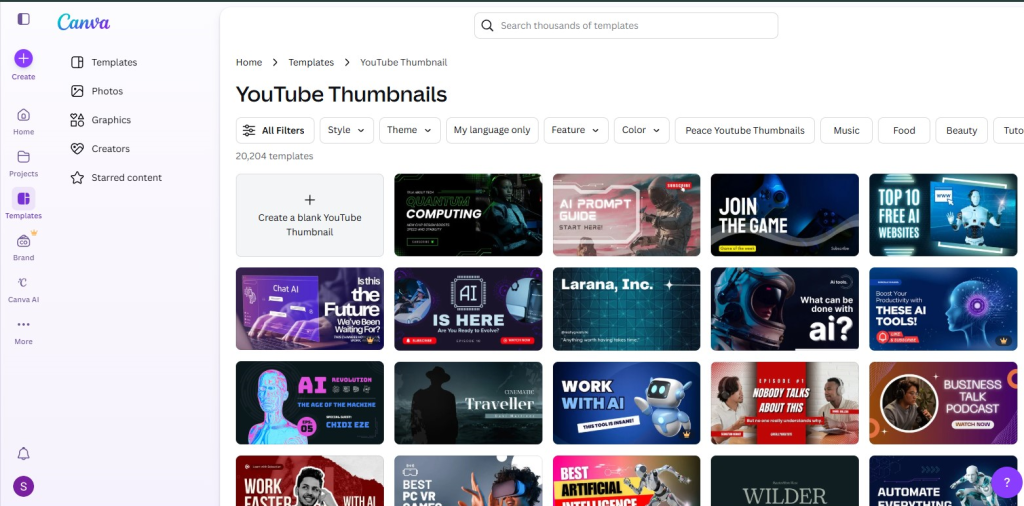
On YouTube, an attractive thumbnail is very important to get clicks. Canva is an easy and powerful design tool where you can create professional thumbnails. Canva is best for thumbnails because it gives fast and professional results. Instead of starting from zero, search “YouTube Thumbnail” and select a template according to your niche (Gaming, Education, Vlogs), then customize it. Using its Background Remover, upload your photo and remove the background in one click, then apply “Glow” or “Shadow” effect so your face looks prominent.https://www.canva.com/create/
Key Benefits:
- Ready-made templates
- Easy drag-and-drop
- Beginner friendly
4. TubeBuddy – YouTube SEO Tool
TubeBuddy helps you rank your videos in YouTube search. It gives you keywords, tags, and optimization suggestions. TubeBuddy is a powerhouse tool for YouTube SEO and channel growth that integrates directly into your browser (Chrome/Edge). It gives you a score out of 100. Try to create videos on keywords that have an “Excellent” (80+) score. Its Competition vs Volume shows how many searches a topic has and how many big channels have already created videos on it.
Key Benefits:
- Keyword research
- Tag optimization
- SEO improvement
5. VidIQ – Analytics and Keyword Research
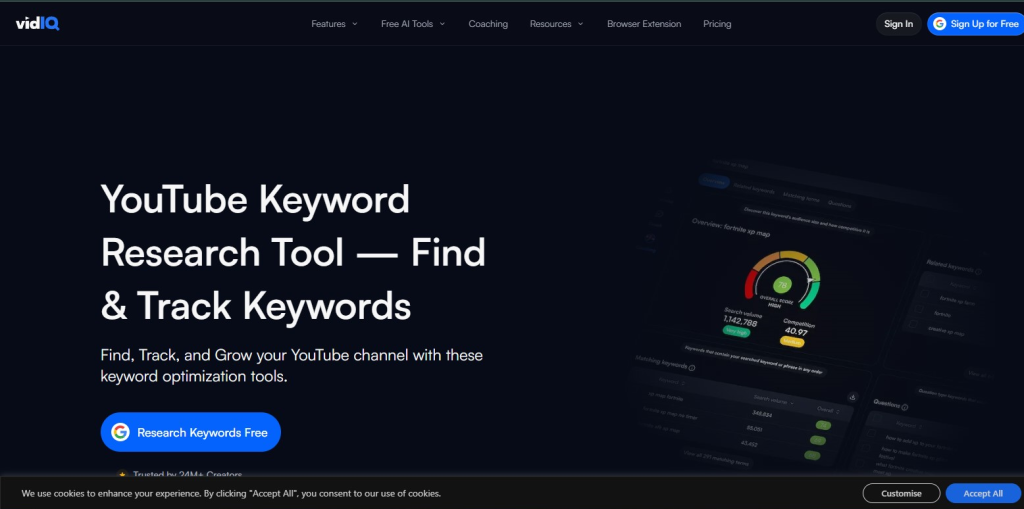
VidIQ is also a strong SEO tool that provides you with trending topics and competitor analysis. VidIQ is very similar to TubeBuddy, but its focus is more on real-time analytics and AI-driven insights. If you want to catch trends, then VidIQ is excellent. You can add your competitors’ channels, and VidIQ will show you which of their old videos are suddenly getting “VPH” (Views Per Hour). This means that topic is trending again, and you can also create a video on it. For me, it has been very helpful—you should definitely try it.
With its help, you can choose topics that have higher chances of going viral.
Key Benefits:
- Trend analysis
- Competitor insights
- Performance tracking
6. CapCut – Easy Video Editing Tool
CapCut is a simple and powerful video editing tool that is perfect for beginners. In this, you can easily add transitions, effects, and captions. CapCut is an amazing video editing tool made by ByteDance (the company that created TikTok). It is very easy for both beginners and professionals. Because of its AI features, it has an Auto Captions option that automatically writes subtitles. Apart from this, the background can also be removed with one click. It includes thousands of trending filters, music, and ready-made templates that you can use in your videos. You can use it on Mobile (Android/iOS), Computer (Windows/Mac), or directly in the browser. It is very useful for us and makes our work very easy.
Key Benefits:
- Easy interface
- Advanced features
- Free tool
7. ElevenLabs – AI Voice Generator
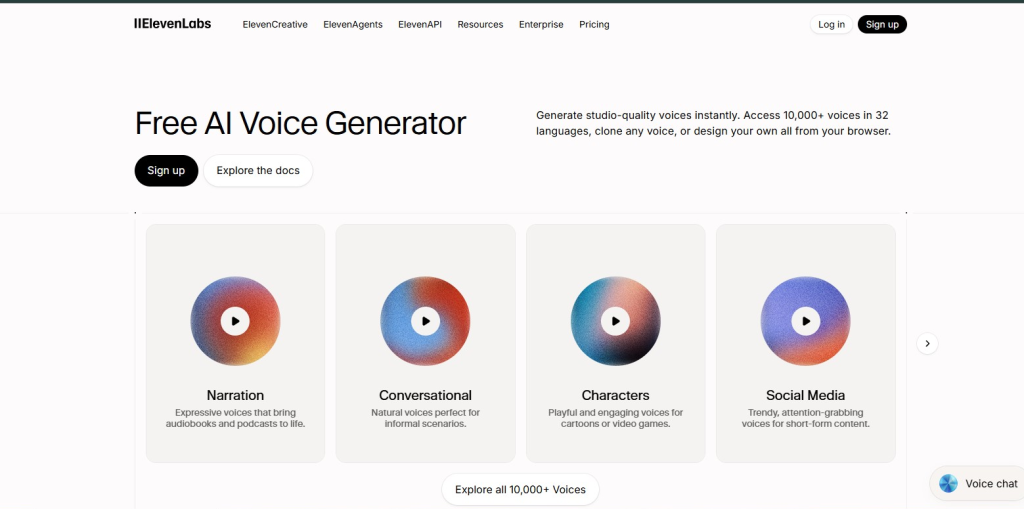
If you run a faceless YouTube channel, then ElevenLabs is the best tool for you. It generates realistic voiceovers. ElevenLabs is a very advanced AI tool that converts written text into a completely human-like voice (Natural Human Voice). It is considered the best Text-to-Speech (TTS) software in the world. Its AI is so advanced that emotions, breathing sounds, and speaking style feel completely real. You can upload just a 1-minute recording of your own or any person’s voice and create an exact voice clone.
Key Benefits:
- Natural voice
- Voice cloning
- Time saving
8. Opus Clip – Convert Long Videos into Shorts
Opus Clip automatically converts your long videos into short clips. This tool detects viral moments and creates shorts. Opus Clip is a very useful AI tool that automatically converts long videos, such as podcasts or YouTube videos, into short Shorts, Reels, and TikToks. It finds the most interesting and viral parts (highlights) of the video and creates short clips. Along with clips, it also adds colorful subtitles and emojis to make the video more engaging. The AI always keeps the speaker’s face in the center of the screen, even if the video is horizontal.
Key Benefits:
- Auto clipping
- Viral content detection
- Multi-platform sharing
9. Midjourney – AI Image Generator
Midjourney helps you generate unique and creative images. You can create custom visuals for thumbnails. Midjourney is a very powerful AI tool that converts your written words (text prompts) into very beautiful and realistic images. It is considered the best AI art generator in the world. The images created by it are so real and artistic that they look like they were made by a professional artist. The more details you write, the better picture it will generate—for example, “A futuristic city in rain, neon lights, 8k resolution.” It is not a separate app; instead, it is used through a Discord server where you can type the /imagine command to generate your desired image.https://www.midjourney.com/home/%5D/
Key Benefits:
- Unique images
- Creative thumbnails
- High quality output
10. Trello – Task Management Tool
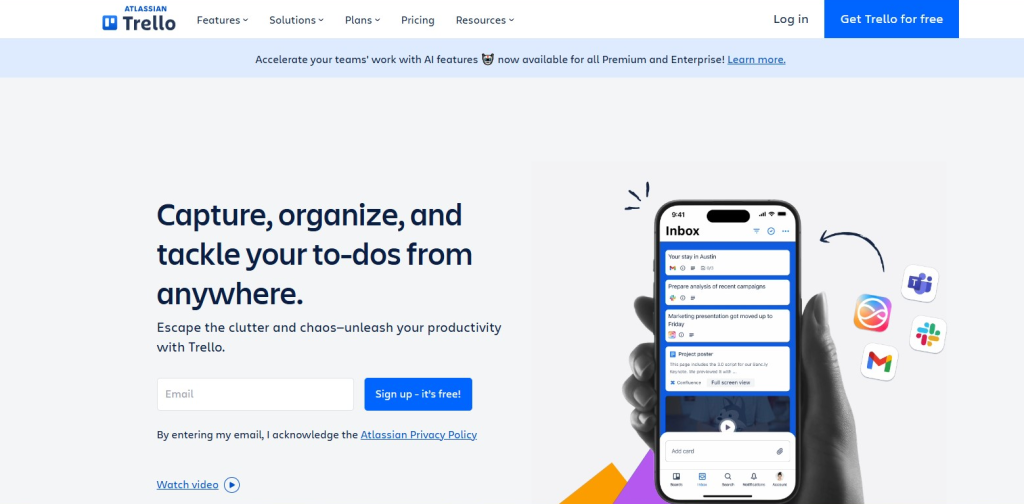
Trello is a simple task management tool where you can track your video workflow. Trello is a very easy and excellent tool used to organize your tasks and projects. It works like a “Digital Whiteboard” where you can create lists of your tasks. In Trello, you create different boards (for example: “Office Work”). Then there are lists in them (To-Do, Doing, Done). For each task, a card is created which you can drag and move from one list to another. You can add your friends or team members to the board. They can also see which task is in progress and which one has been completed.
You can create boards and manage every step—from idea to publish.
Key Benefits:
- Visual workflow
- Easy tracking
- Team collaboration
Why Productivity Tools Are Important?
If you want to grow on YouTube, then not only hard work but also smart work is important.
Productivity tools help you:
- Save time
- Improve content quality
- Maintain consistency
- Achieve fast growth
The more you use smart tools, the faster your channel will grow.
Final Thoughts
Competition on YouTube is increasing every day, but if you use the right tools, you can easily improve your workflow. These are very useful for you. With their help, you can complete many tasks in minutes. These tools make our work very easy and you do not need any professional. Even if you are a beginner, you can still use these tools and make your work easier. If we talk about my personal experience, these tools are extremely useful for me.
In the beginning, start with 2–3 tools like ChatGPT, Canva, and TubeBuddy. Then gradually add more tools according to your needs.
Remember, successful YouTubers use smart tools along with hard work.
And do share your experience in the comment box.
Boost your startup blog with the right tools that improve productivity, SEO, and content quality. Discover powerful platforms that help you grow faster and manage your workflow efficiently.
https://infovistaworld.com/top-10-blogging-tools-for-startups-in-2026/
Freelancers can increase their productivity and earnings by using the best Android apps for work, communication, and project management. Explore the top apps that make freelancing easier and more efficient.
https://infovistaworld.com/best-10-android-apps-for-freelancers/Top 10 Blogging Tools for Startups in 2026Top 10 Blogging Tools for Startups in 2026