Blogging is no longer just a hobby; it has become a strategic channel for startups. It proves to be highly effective for brand awareness, SEO ranking, lead generation, and revenue growth. However, standing out among millions of blogs is difficult. For this, you have to work very hard, and it also takes a lot of your time. On my website INFOVISTAWORLD, I will tell you how you can improve your blogging, earn good money, and take full advantage of it.
Solution: For this, you should use the right blogging tools. These tools boost your productivity, optimize your content, manage your workflow, and analyze performance.
Discover the top 10 blogging tools for startups in 2026 to boost productivity, improve SEO, and grow your online business faster.
In this article, we will discuss the top 10 blogging tools that are most effective for startups in 2026.
1. Notion — Knowledge Hub & Content Planner
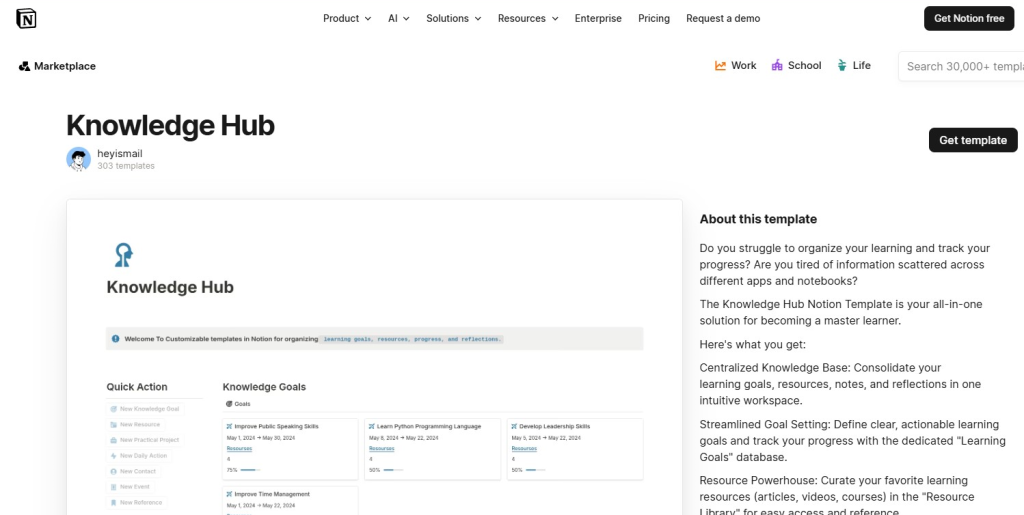
Best for: Idea organization, content calendar, team collaboration.
Notion is not just a note-taking app; it’s a powerful all-in-one workspace. You can manage your content calendar, editorial workflow, keyword lists, and templates—all in one place. It works as both a Knowledge Hub and a Content Planner, allowing you to keep all your information and planning organized efficiently.
I personally use Notion, and it has been extremely helpful. Earlier, I had no idea about it, but now it has made my work much easier and more organized.
Benefits for startups:
- Shareable pages for blog briefs
- Editorial workflow boards: Draft → Review → Publish
- Keyword research and planning
- Real-time collaboration with team members
Tip: Create a reusable blog template with fields like keyword, meta description, word count, publishing date, internal links, and status.
Pricing: Free plan available; team plans are affordable.
2. Surfer SEO — Data-Driven Content Optimization
Best for: SEO optimization, content structure guidance.
Notion is a great planning tool, but if you want your content to rank on Google, Surfer SEO is the perfect companion. It is a data-driven tool that analyzes top-ranking pages and provides recommendations on word count, headings, and keyword usage.
I also use Surfer SEO to rank my content on Google, and it has helped me significantly improve my rankings.
Surfer SEO provides recommendations such as:
- Ideal word count
- Keyword usage
- Heading structure
- Related semantic keywords
Benefits for startups:
- Improve search rankings
- Avoid underperforming content
- Reduce revision time with AI-generated outlines
Pricing: Paid plans available.
3. Grammarly — Flawless Writing & Tone Control
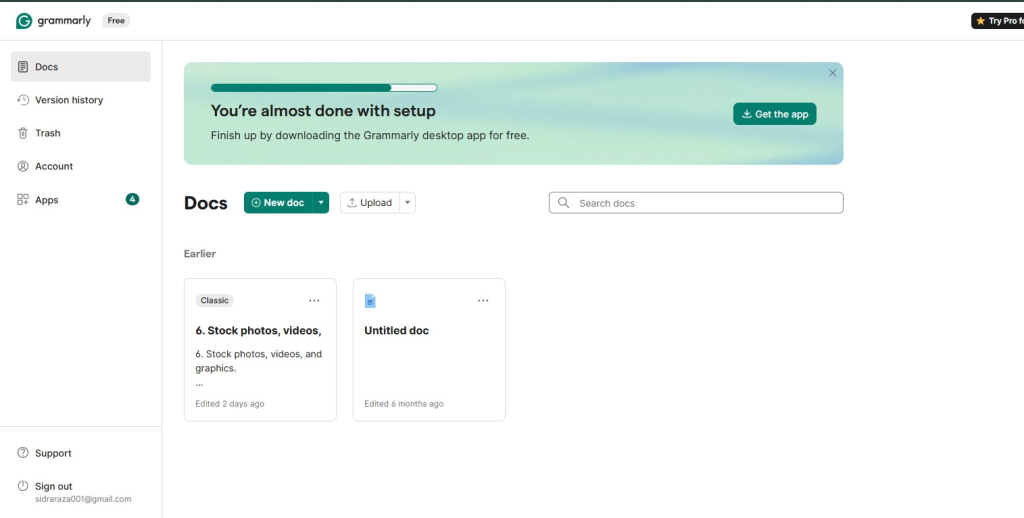
Best for: Grammar and readability improvement.
Grammarly is an excellent tool for making your writing clear, professional, and error-free. After planning your content in Notion and optimizing it with Surfer SEO, Grammarly helps you add the final polish.
I also use Grammarly for my blog, and it has been very helpful. It corrects mistakes and makes writing much easier and more efficient.
Grammarly detects errors in real time and provides tone suggestions.
Features:
- Tone adjustment: friendly, formal, persuasive
- Plagiarism checker (premium)
- Browser extension for easy use
Startup benefit: Helps maintain a consistent and professional voice, especially when multiple writers are involved.
Pricing: Free version available; premium for advanced features.
4. Canva — Visual Design for Bloggers
Best for: Graphics, blog images, infographics.
Canva is an easy-to-use design tool, especially for beginners and non-designers. It is one of the most powerful tools to make your content visually appealing. After planning in Notion, optimizing with Surfer SEO, and correcting errors with Grammarly, Canva helps you turn your content into engaging visuals.
Canva is extremely useful because it allows you to design images according to your needs while saving time. In blogging, you should avoid using random images from Google; instead, it’s better to create or customize your own visuals. For me, Canva has been very helpful in this process.https://www.canva.com/
Benefits for startups:
- Blog banners and featured images
- Infographics for better engagement
- Social media-ready graphics
Visuals help increase:
✔ Time on page
✔ Social shares
✔ Click-through rate
Pricing: Free version available; Pro for advanced features.
5. Google Analytics + Search Console — Performance Monitoring
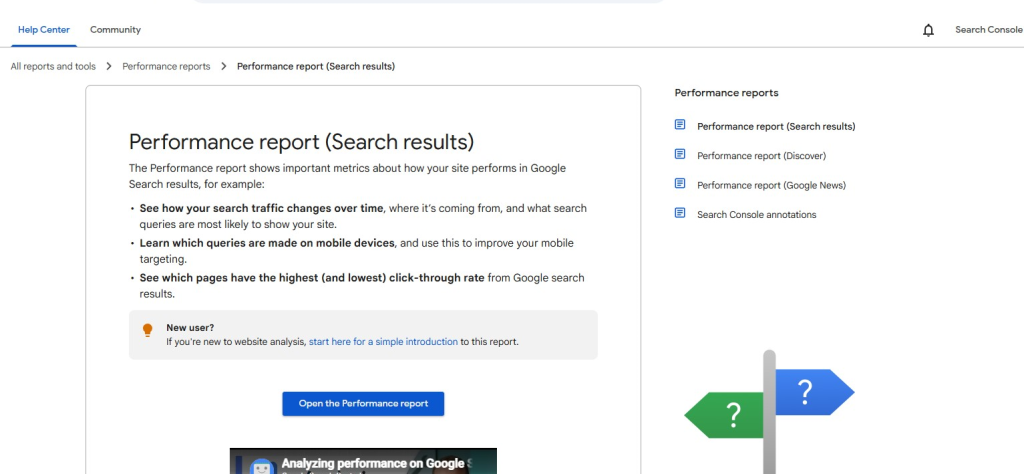
Best for: Traffic tracking and SEO analysis.
Once your content is planned, optimized, polished, and designed, the next step is to measure its performance. This is where Google Analytics (GA4) and Search Console (GSC) become essential tools.
These tools help you understand how your blog is performing on Google—its ranking position, which keywords are driving traffic, and how your website is performing in terms of speed and usability.
- Google Analytics: Tracks traffic, audience behavior, and conversions
- Search Console: Shows keyword rankings, indexing status, and mobile usability
With these tools, startups can identify:
Which posts are generating leads
Which keywords are driving conversions
Which content needs improvement or updates
Cost: Completely free to use, making them essential tools for every startup blogger.
6. WordPress / Blogger CMS Tools — Publishing Power
Blogger and WordPress are both strong platforms. WordPress offers advanced plugins and scalability, while Blogger is simple and free. If we compare WordPress and Blogger, both have their own advantages. Even in 2026, these two tools are at the top in the publishing world.
The main difference between them is that Blogger is free, where you can start blogging without investing money. However, the issue is that it does not support plugins and has limited SEO tools.
On the other hand, WordPress is not free—you have to invest money in it. But the benefit is that it offers many plugin options, which help a lot in SEO and also improve ranking performance.
Key features of Blogger:
- Post scheduling
- Meta description editing
- Basic SEO settings
Cost: Blogger is free; WordPress depends on hosting.
7. Ahrefs / Ubersuggest — Competitive SEO Insights

Best for: Keyword research, competitor analysis.
If you want to move ahead in SEO and analyze your competitors, Ahrefs and Ubersuggest are two popular tools. However, there is a big difference between them. Both work best in their own way.
Ahrefs has one of the largest backlink databases in the world. You can see where your competitors are getting their backlinks from. It also helps you identify issues on your website (like broken links or slow speed) within minutes.
Ubersuggest is more user-friendly. Its interface is very clean and easy to understand. It provides keyword suggestions quickly and gives you many new keyword ideas in less time.
SEO tools help you get ideas from competitors:
- Keywords your competitors are ranking for
- Traffic estimates
- Backlink opportunities
- Content gaps
Cost: Paid plans vary by tool.
8. ChatGPT — Fast Drafts & Brainstorming
Best for: Blog outlines, topic ideas, meta descriptions.
Now let’s talk about ChatGPT, which has become the biggest “secret weapon” for content creators and SEO experts in 2026. Its main advantage is fast drafting (writing quickly) and brainstorming (generating new ideas).
This has become my most favorite tool. It completes many tasks within minutes. For me, it is extremely helpful and has saved a lot of my time. Nowadays, ChatGPT has become a very important tool for everyone, and almost everyone is benefiting from it.https://chat.openai.com/
- Article Outlines: Just give a topic, and it will create a full structure (H1, H2, H3 tags).
- Social Media Posts: From one blog post, it can generate captions for Facebook, Instagram, and LinkedIn within minutes.
- Email Newsletters: You can get professional and engaging emails written for your subscribers.
AI tools speed up blogging:
- Topic brainstorming
- Outline creation
- Headline variations
- SEO meta suggestions
💡 Tip: Always edit and personalize AI content.
Cost: Subscription-based.
9. Trello — Simple Editorial Workflows
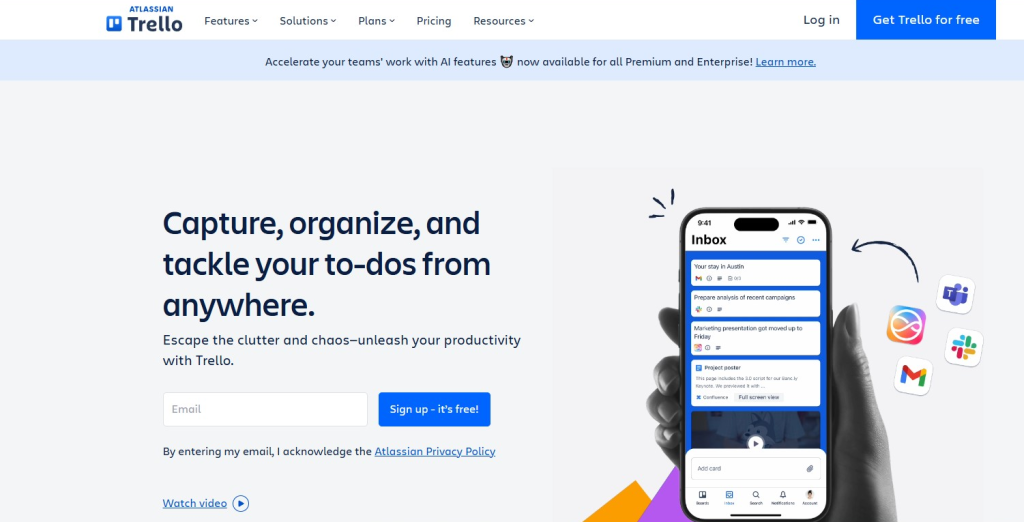
Best for: Content calendar and task management.
Now when you have powerful tools like WordPress (CMS), Ahrefs (SEO), and ChatGPT (Content), you need a system to manage everything—and Trello is an excellent task manager for this.
You can consider Trello as your digital office, which keeps your publishing workflow organized and prevents your work from becoming scattered.
Trello uses cards and boards to track stages:
Idea → Assigned → Writing → Editing → Scheduled → Published
Pricing: Free; paid plans available for integrations.
10. ConvertKit / Mailchimp — Email List & Growth
Best for: Subscriber growth and email marketing.
When your content is managed through WordPress and Trello, the next big step is to control your audience. For this, ConvertKit and Mailchimp are two major tools.
Traffic from SEO and social media can decrease anytime (due to Google updates), but your email list is your own asset.
Convert traffic into email subscribers:
- Collect newsletter signups
- Create automated sequences
- Segment your audience
Email traffic increases engagement and conversions.
Pricing: Free tier available; advanced plans for automation.
Startup Blogging Workflow Example
| Stage | Tools |
|---|---|
| Idea & Planning | Notion, ChatGPT |
| Keyword Research | Ahrefs, Surfer SEO, Ubersuggest |
| Draft & Edit | Google Docs, Grammarly |
| Publish | Blogger / WordPress |
| SEO | Surfer SEO, Search Console |
| Design | Canva |
| Email Growth | ConvertKit / Mailchimp |
| Analytics | Google Analytics |
Extra Growth Tips for Startups
- Target long-tail keywords: lower competition and high intent
- Content repurposing: Blog → Video, Slides, Social
- Guest posting: build backlinks and authority
- Update old content: improve rankings
- Track KPIs: monitor organic traffic, bounce rate, and conversions
Conclusion
Blogging is a growth engine for startups. With the right tools, content becomes faster, more optimized, and more impactful. These 10 tools will make your blogging workflow efficient and help you grow your audience.
If you want to do blogging in the future or earn money from it and achieve good income, these are the best tools. You can benefit a lot from them, and you should definitely try them.
Also, don’t forget to share in the comment section which tools you are using.
10 Best Ways to Make Money with ChatGPT in 2026
Discover powerful and realistic ways to earn online using ChatGPT—from freelancing to digital products. Learn how AI can boost your income and productivity in 2026.
https://infovistaworld.com/10-best-ways-to-make-money-with-chatgpt-in-2026/
Top 10 Digital Products You Can Sell Online
Explore the most profitable digital products you can create and sell online, including ebooks, templates, and courses. Start your passive income journey with low investment and high potential.
https://infovistaworld.com/top-10-digital-products-you-can-sell-online/