Increase productivity, streamline workflow, and manage finances from your mobile
Freelancing has become very popular worldwide these days. More people are leaving traditional jobs and choosing the independence of freelancing. But along with it comes a challenge: managing work, clients, deadlines, and money efficiently — just from your Android phone. On my website INFOVISTAWORLD.COM, I will show you how you can use these tools to make your work easier, save your time, and earn money, and I will explain in detail how they are helpful for you.
If you are a freelancer and use Android, the right apps can be your secret weapon. In this guide, I will explore the 10 best Android apps for freelancers in 2026, specially selected for productivity, organization, finance, collaboration, and creativity.
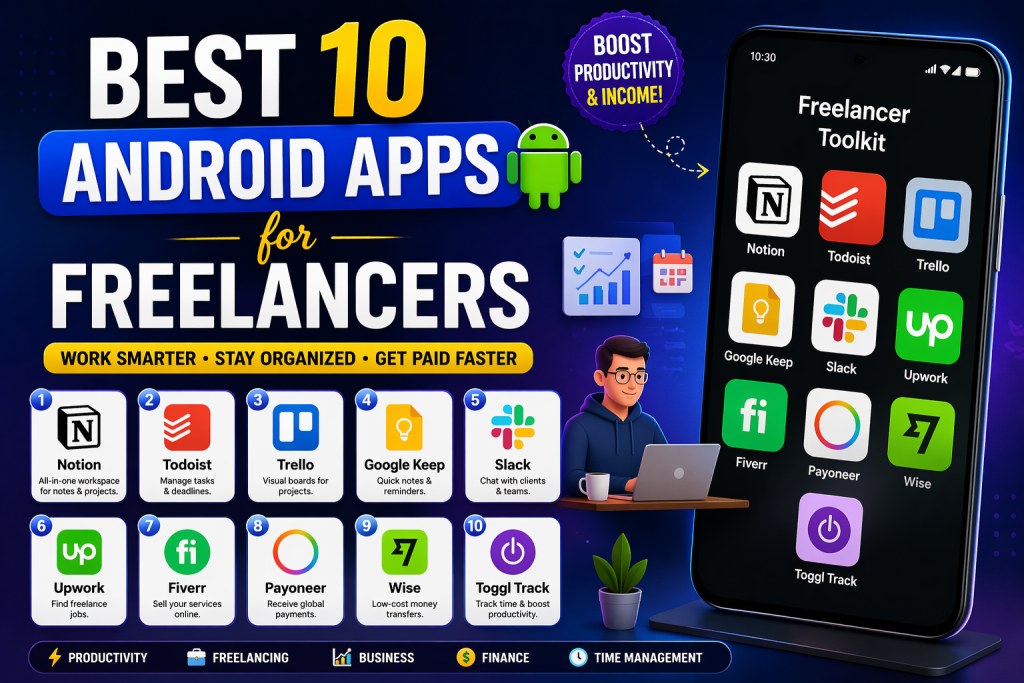
Best 10 Android Apps for Freelancers help manage tasks, clients, payments, and productivity efficiently to grow freelance business in 2026.
Whether you are a writer, designer, developer, marketer, or consultant, these tools will help you work smart and earn more.
1. Notion – All‑in‑One Workspace
Why it’s essential:
Notion is the Swiss Army knife of productivity. It combines notes, databases, to‑do lists, calendar, and cloud storage all in one place. It is very helpful for you. It proved very useful for me. Notion is an “all-in-one” workspace where you can manage notes, projects, and tasks in one place. It is often called the “brain operating system” because you can customize it as per your wish. You don’t need separate apps like Google Docs or Asana. Notes and projects are available all in one app. It has AI that can write documents for you, summarize meeting notes, and answer your questionshttps://www.notion.so/mobile.
Key Features
- Flexible templates for projects and clients
- Real-time sync across devices
- Kanban boards, tables, and timelines
- Files, images, and documents linking
Best for: Freelancers who want to manage their projects and knowledge in one place.
Pro Tip: Track your job pitches, ongoing projects, and income in Notion.
2. Toggl Track – Time Tracking & Reports
Time = money, especially for hourly freelancers. Toggl Track automatically tracks time so you can accurately bill clients. Toggl Track is an excellent time tracking software designed specifically for freelancers and teams so they can keep track of their working hours and productivity. It is very popular due to its simplicity and “one-click timer.” It is very helpful for freelancers and teams. It also saves your time. For me, it is very useful because it made my work easier. Just start the timer with one click and keep track of your work. If you forget to start the timer, you can also enter time manually.
Features
- One-tap timer widget
- Offline time tracking
- Detailed daily/weekly reports
- Billable rate settings
Best for: Consultants, developers, photographers, and any freelancer who wants to track their hours.
Pro Tip: Organize entries with client and task tags and optimize your pricing.
3. Microsoft Outlook – Email & Calendar Powerhouse
Managing email and schedule is very important for freelancers. Outlook integrates email, calendar, tasks, and contacts into one platform. Microsoft Outlook is an application that combines Email, Calendar, and Tasks in one place. It is considered the most reliable way for professionals and businesses worldwide. Outlook automatically keeps important emails in the “Focused” tab and the rest in “Other,” so your time is not wasted.
Standout Features
- Unified inbox and smart filters
- Calendar integration with reminders
- Cloud attachment preview
- Focused Inbox
Best for: Freelancers who manage emails and meetings for multiple clients.
Pro Tip: Turn on calendar notifications for follow-ups and deadlines.
4. Wave – Free Accounting & Invoicing
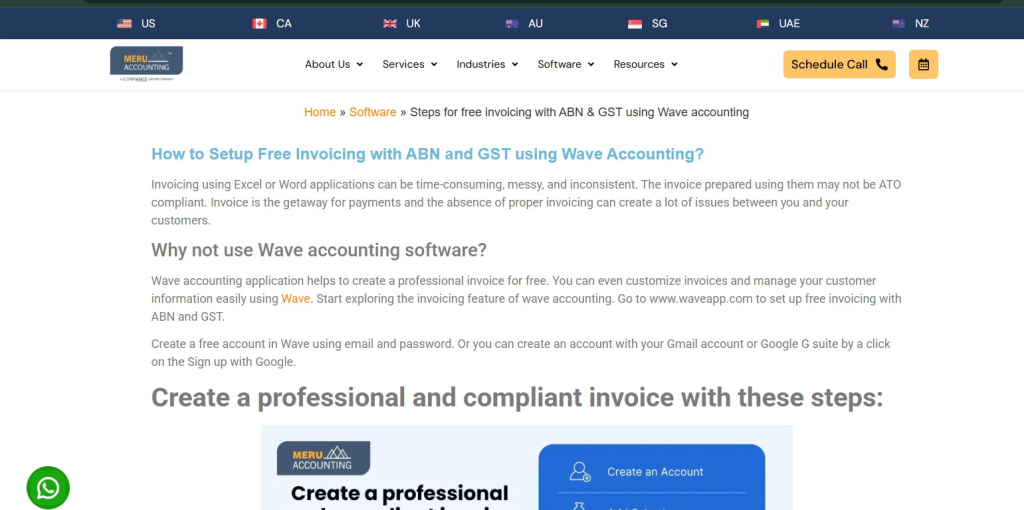
Financial management is one of the biggest challenges for freelancers. Wave is a free accounting app, ideal for beginners and micro-businesses. Wave is an excellent free accounting software designed especially for small business owners and freelancers. Its biggest advantage is that the main features are completely free. It is very best for beginners because those who are just starting earning cannot buy a paid plan. For them, it is very helpful so they can work for free. I also mostly use this.
Features
- Track income and expenses
- Create professional invoices
- Send automatic payment reminders
- Scan receipts
Best for: Freelancers and small businesses who want a budget-friendly solution.
Pro Tip: Connect your business bank account to see real-time profit/loss.
5. PayPal – Easy Global Payments
Need a reliable payment solution for international clients? PayPal is the most universal option. PayPal is the largest and most popular online payment system in the world, giving you the facility to send and receive money online. It is considered a “gold standard” for international payments. It is best for people who want to receive money from international clients. Beginners often do not know the amounts, so they should use it to easily request money. Global Reach: You can send and receive payments in more than 200 countries worldwide. You don’t need to give your bank details or credit card number to every website; only the PayPal email works.https://www.paypal.com/mobile
Benefits
- Accept worldwide payments
- Send direct invoices
- Transfer money to the bank
- Buyer and seller protection
Best for: International freelancers and online payments.
Note: Be mindful of fees and optimize with bulk billing.
6. Slack – Team & Client Communication
For freelancers who chat with teams or clients, Slack is ideal. Slack is a platform that makes communication between teams and clients easy and fast. Its purpose is to eliminate long email threads and organize all conversations in one place (in channels). It is very useful for me. It made my work much easier. You can create different channels for different projects or teams (for example, #marketing or #development) so that work discussions do not get mixed. For quick audio or video calls, you can start a huddle instantly, where screen sharing is also possible.
Core Benefits
- Channels for organized discussions
- File sharing and links
- Audio/video calls
- Google Drive, GitHub, and Zoom integration
Best for: Remote freelancers collaborating with teams.
Pro Tip: Create a separate channel for each client/project.
7. Google Drive – Cloud Storage & Collaboration
Google Drive is a freelancer’s lifeline. Google Drive is a cloud-based storage service that allows you to save your files online, share them with others, and collaborate in real-time. You can keep your photos, videos, and documents safe in one place and access them from any device (mobile, laptop, or tablet). Every Google account comes with 15 GB of free storage, shared with Gmail and Google Photos. Nowadays, this is something everyone uses and benefits from.
Top Features
- 15 GB free storage
- Docs, Sheets, Slides built in
- Real-time collaboration
- Offline access
Best for: Writers, designers, and creatives who share files.
Pro Tip: Create shared folders for clients for seamless deliverables.
8. Grammarly Keyboard – Write With Confidence
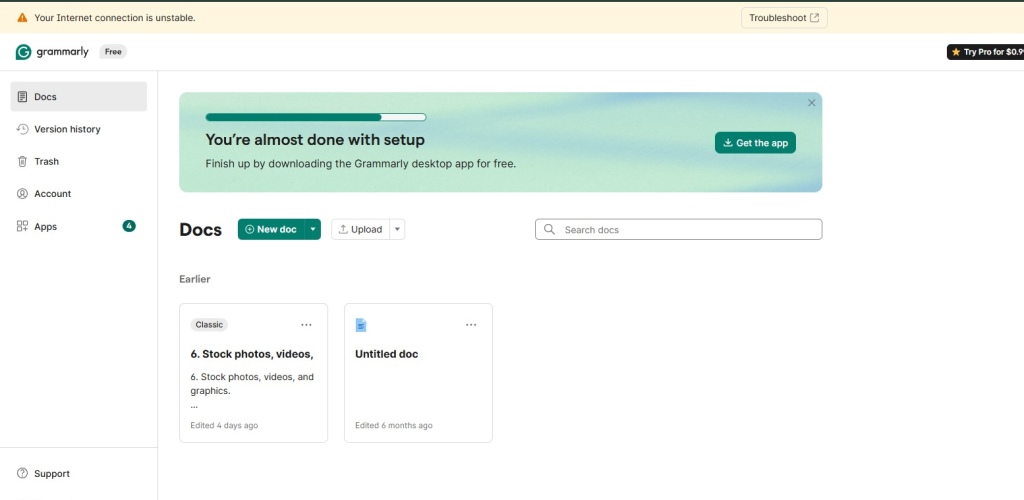
Writing quality is very important for freelancers. Grammarly Keyboard improves grammar, spelling, and tone anywhere. Grammarly Keyboard is an app that enhances your mobile typing experience so that you can write confidently and without mistakes. It does not only correct spellings but also helps fix the entire sentence structure. It is very helpful for me. It made much of my work easier and saves time. People who have issues with spelling should definitely use it. It automatically detects your spelling mistakes and grammar issues (such as tenses or punctuation) and suggests corrections.
Benefits
- Contextual grammar & spelling
- Tone suggestions
- Vocabulary improvement
Best for: Writers, marketers, and consultants.
Pro Tip: Turn on tone detection so client-specific messaging is perfect.
9. Zoho Invoice – Professional Billing & Estimates
Zoho Invoice is a top app for billing and estimates. Zoho Invoice is an application that makes billing and invoicing extremely easy for small businesses and freelancers. Through it, you can send professional-looking bills to your clients. You can create professional invoices within minutes and send them to clients via email or SMS. Before starting work, you can send a preliminary bill (estimate) to the client. Once the client approves, you can convert it into a final invoice with one click. From my personal experience, it proved very helpful.
Highlights
- Custom invoice templates
- Recurring invoices and reminders
- Multi-currency support
- Expense tracking
Best for: Freelancers who frequently send invoices.
Pro Tip: Enable auto-reminders to reduce late payments.
10. Upwork – Job Opportunities & Client Management
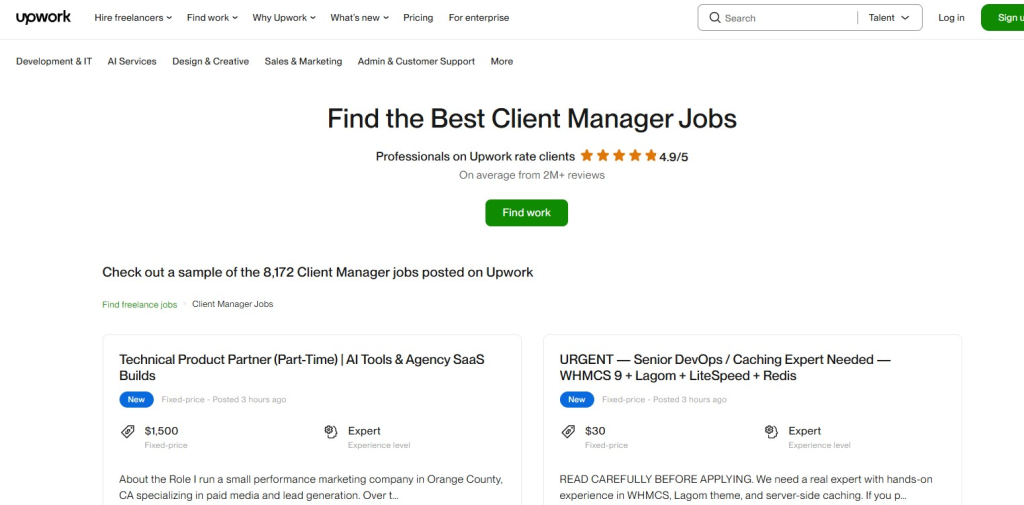
The Upwork Android app is underrated. Along with job searching, you can track contracts and proposals. Upwork is a major freelancing platform that connects skilled freelancers with companies and clients who need work done. It is excellent for finding new job opportunities and maintaining professional relationships with clients. You can send proposals on thousands of jobs according to your skills (for example, Graphic Design, Writing, or Programming).
Features
- Browse remote jobs
- Submit proposals
- Client chat
- Track weekly earnings
Best for: Beginner freelancers building a portfolio and looking for long-term clients.
Pro Tip: Send client-specific proposals to stay ahead of the competition.
How to Choose the Right Freelance Apps
Every freelancer has a different workflow. Select apps like this:
✔️ Hourly paid freelancer? → Toggl + Wave
✔️ More communication? → Outlook + Slack
✔️ Writing freelancer? → Grammarly + Google Drive
✔️ Global income? → PayPal + Upwork + Zoho Invoice
✔️ Project organization? → Notion
Bonus Tips
Apps integration
- Notion + Google Drive, Slack + Outlook, Toggl + Calendar for a seamless workflow.
Track productivity
- Time tracking is not just for billing but also to identify peak productive hours.
Manage finances
- Keep personal and business accounts separate; it will make tax time easier.
Update apps
- Keep auto-update on so features and security are always the latest.
Final Thoughts
Freelancing requires self-discipline, organization, and smart tools. If you are really interested in earning, these tools can help you earn much more and better. They save your time and make your work easier. You should definitely benefit from all these tools.
With the right Android apps, you can:
✅ Reduce time spent on mundane tasks
✅ Improve client communication
✅ Receive faster payments and track finances
✅ Keep projects and deadlines organized
These 10 apps are reliable and essential tools for freelancers in 2026.
Share your thoughts in the comment box and let us know which tool you use.
Want to earn online in 2026? Check out these powerful guides
Learn smart ways to earn using AI https://infovistaworld.com/10-best-ways-to-make-money-with-chatgpt-in-2026/
Discover profitable digital products https://infovistaworld.com/top-10-digital-products-you-can-sell-online/
Start today and build your online income step by step