In today’s digital age, note-taking is no longer limited to pen and paper. Intelligent-powered apps have made work easier and more productive. Whether you are a student, professional, or creator, these note-taking apps enhance your workflow, organize information, and make knowledge recall smarter. These tools have been extremely helpful for us, and in my personal experience, they have proven indispensable.
Modern note-taking tools do more than just store text; they summarize, organize, and suggest improvements. They help you capture ideas quickly, transform raw content into structured insights, and retrieve information efficiently through intelligent search.
Here, we look at the top 10 apps for note-taking, their features, and best use cases.
“Start creating AI content with Rytr – Click here
!”https://rytr.me/?via=infovista
1.Notion
Overview:
Notion is a built-in assistant within a flexible workspace that manages your notes, projects, and other data. It acts like a personal assistant, helping you find answers across your entire workspace or integrated tools like Slack and Google Drive. Long meetings or complex documents can be condensed into main points and actionable items.
- A flexible workspace combining notes, databases, wikis, and collaboration.
Features:
- Writing assistant: rephrase, summarize, and expand content.
- Intelligent tags and auto-generated content structures.
- Integration with other Notion pages and projects.
Best For: Teams, knowledge bases, and long-form notes.
Highlight: Notion organizes content based on context, not just storage.
2. Obsidian with Plugin Support
Overview:
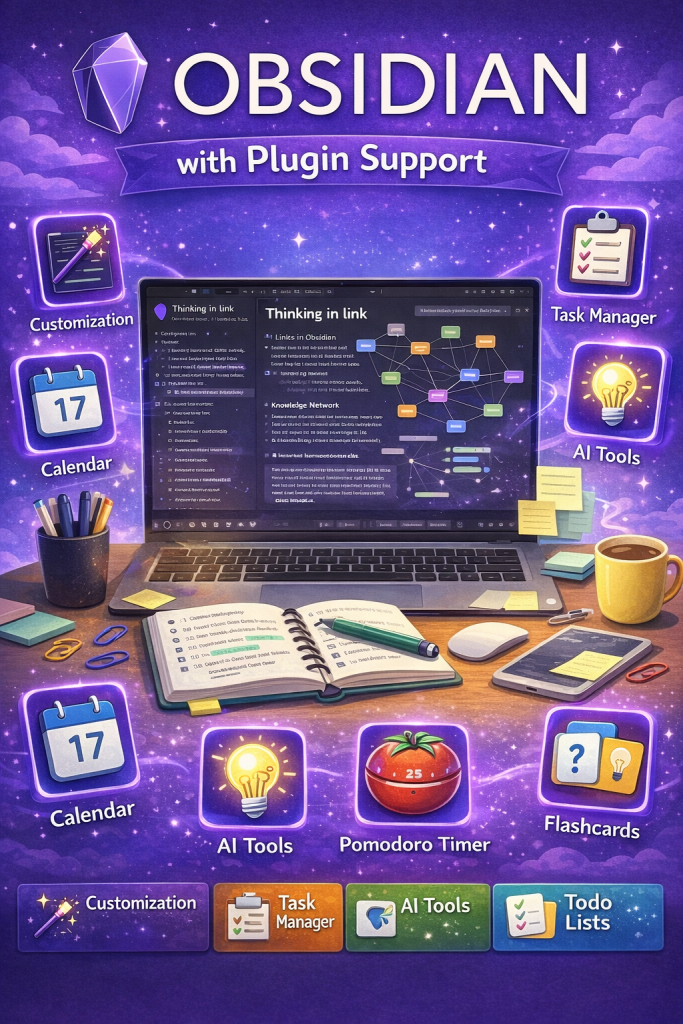
Obsidian is a Markdown-based knowledge graph designed for personal knowledge management. While it does not have a built-in assistant, you can connect it to external intelligent tools through community plugins. These plugins allow you to create templates, generate blog posts, summaries, or even code.
Features:
- Bi-directional links that connect notes.
- Plugins help with summarization, brainstorming, and text refinement.
- Local storage ensures privacy.
Best For: Researchers, writers, and people building a “second brain.”
Highlight: The graph view allows you to visualize connections between ideas effortlessly.
3. Mem
Overview:
Mem is a self-organizing workspace that automatically structures your notes. It leverages intelligent systems to arrange notes without the need for folders or tags. Its vision is to build a knowledge graph that thinks like you. In my experience, Mem has been extremely helpful and effective.
Features:
- Auto-tags and relevant note retrieval.
- Natural language search: ask a question and get instant answers.
- Memory timeline shows the evolution of your knowledge.
Best For: Users who want contextual recall.
Highlight: Mem understands your patterns and provides meaningful suggestions.
4. Evernote
Overview:
Evernote is a classic note-taking app that has been modernized with intelligent features. Since being acquired by Bending Spoons, it has added several capabilities to refine notes. You can summarize text with a click, correct spelling, or even change tone (professional or casual).
Features:
- Smart summaries and topic extraction.
- Workflow templates and task integration.
- OCR to digitize documents and receipts.
Best For: Managing work, personal notes, and research.
Highlight: Stable and reliable, upgraded with intelligent enhancements.
5. ReseaRoamrch
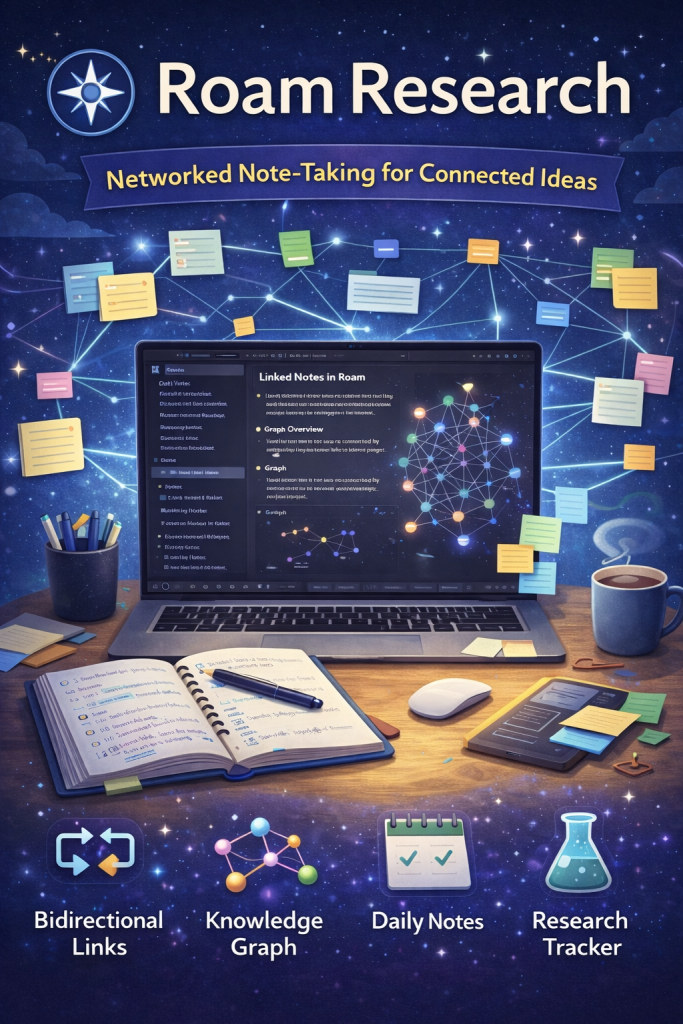
Overview: A networked thought platform optimized for linking ideas. Similar to tools like ResearchRabbit or Roam Research, it helps users explore research and knowledge efficiently. Add a paper, and the platform displays a network of related papers and concepts.
Features:
- Daily notes linked with a knowledge graph.
- Assistance for idea expansion and information retrieval.
- Focuses on connections rather than folders.
Best For: Academics, writers, and users managing complex projects.
Highlight: Encourages serendipitous discovery through linked thinking.
6. Bear
Overview:A distraction-free writing app with additional enhancements. Bear is known for its simplicity and beautiful design. It is mostly designed for the Apple ecosystem (iPhone, Mac, iPad). Compared to other apps, Bear has not added any heavy built-in features because the focus remains on privacy and speed. https://uca.edu/career/bear-link-connect-with-alumni/
Features:
- Smart writing suggestions.
- Tags and nested tags for organization.
- Minimalist interface for better focus.
Best For: Writers and creatives.
Highlight: Combines minimalism with enhanced writing support.
7. Simplenote + Add-Ons
Overview:A simple and lightweight note-taking app. Simplenote is known for its minimalism and speed. As a product of Automattic (the company behind WordPress), its focus has always been on distraction-free writing. Whenever you save a new note with a special tag, it can automatically summarize the content or create a new note. In my personal experience, this has been very helpful.
Features:
- Summarization and idea generation through add-ons.
- Fast syncing across devices.
- Clean, distraction-free interface.
Best For: Users who want simplicity with optional enhanced features.
Highlight: Ideal for those overwhelmed by feature-heavy tools.
8. Tana
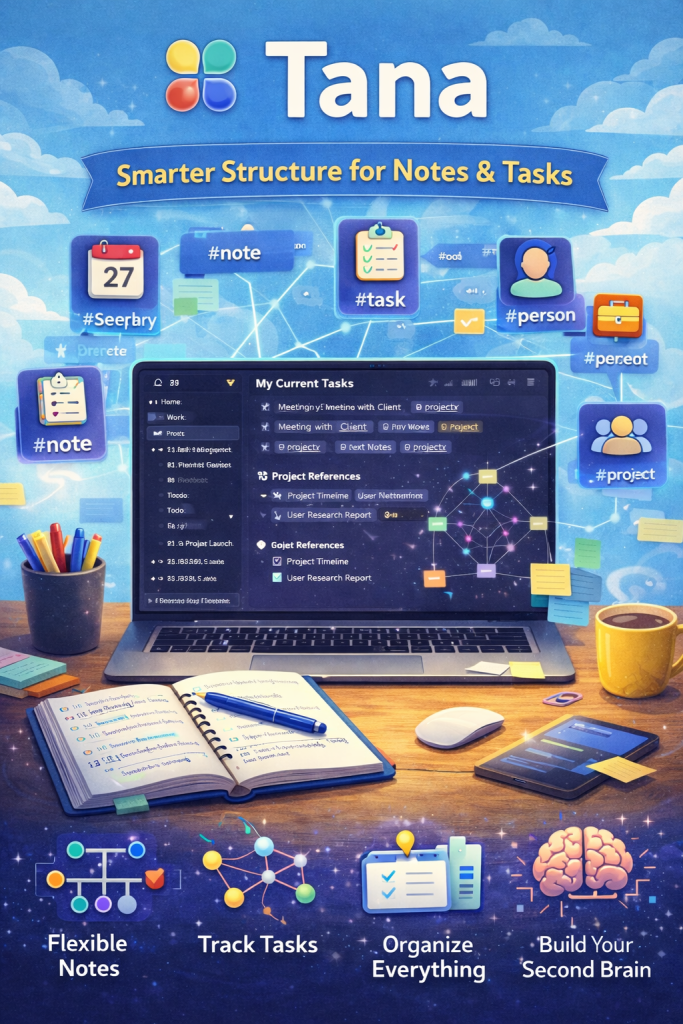
Overview:A task and note hub structured around dynamic data and enhanced functionality. Tana is based on the “Everything-is-a-Node” concept, developed by Tana.inc. It is an advanced mix of Notion and Obsidian, and its integration is considered one of the most powerful and customizable on the market. You can create custom buttons—for example, one that converts meeting notes into summaries, or another that extracts a to-do list and adds it to your calendar.
Features:
- Smart linking and tagging of notes.
- Summaries and automatic formatting of content.
- Combines notes and task management in one platform.
Best For: Power users who want tasks and knowledge managed together.
Highlight: Merges database functionality with a note-taking app.
unctionality and note-taking.
9. Otter (Audio Notes Tool)
Overview: Converts speech into intelligent notes. Otter is an excellent tool that transforms your voice recordings and meetings into text. It is especially designed for students, journalists, and professionals. You can explore more details about Otter on its platform. This tool is extremely helpful for us, and in my personal experience, I have found it very useful.
Features:
- Accurate transcription of meetings, lectures, and calls.
- Highlights and summaries for quick reference.
- Speaker identification and video integration.
Best For: Lectures, interviews, and meetings.
Highlight: Notes are automatically generated from audio recordings.
10. Agenda

Overview: A timeline-based note-taking app that links dates with content. Agenda converts your notes into structured, chronological entries. It is particularly useful for professionals and project-based planning. As soon as a meeting ends, Agenda can create a concise summary along with actionable items for follow-up.
Features:
- Notes linked directly with calendar events.
- Smart summaries and tagging for organization.
- Elegant user interface with a focus on planning.
Best For: Professionals and project-focused planners.
Highlight: Structured planning becomes easy with chronological context.
🔍 Impact of Intelligent Note-Taking Tools
These tools don’t just type and store your notes; they also:
- Generate Content: Expand bullet points into full paragraphs.
- Summarize: Convert long transcripts and research into short summaries.
- Organize Automatically: Smart tags and semantic linking save time.
- Improve Recall: Natural language search helps you retrieve information easily.
- Enhance Collaboration: Shared notes and intelligent suggestions improve team productivity.
📊 Quick Guide: Best Tool for Your Needs
| Need | Best Fit |
|---|---|
| Simple writing + enhancements | Bear, Simplenote |
| Knowledge graph | Obsidian, Roam |
| Automatic organization | Mem, Notion |
| Meeting/Audio notes | Otter |
| Project-linked notes | Agenda, Tana |
| All-in-one workspace | Notion, Evernote |
✨ Tips for Effective Note-Taking
- Use these tools for drafts and summaries, but always review before final decisions.
- Apply tags and links early for easier retrieval later.
- Integrate workflows: connect notes with calendars, emails, and task lists.
- Pay attention to security: understand how your data is stored and processed.
Final Thought
Intelligent note-taking apps represent the future of the digital age. They don’t just store your notes—they help organize your ideas, summarize information, and make your workflow smarter. Whether you are a student, a professional, or a creative thinker, using these tools effectively can take your productivity and knowledge management to the next level.
Each app has its own unique approach—some focus on simplicity, others on connecting knowledge, and some prioritize collaboration and automation. That’s why choosing a note-taking tool that fits your specific needs and workflow is essential.
Start making your note-taking smarter and more efficient today, and turn every idea into a productive outcome. Also, don’t forget to share in the comments which tools you use!
I personally recommend Hostinger for beginners because of its affordable pricing and easy setup.
Start here:https://hostinger.com?REFERRALCODE=IWWINFOVISTA
1️⃣ Top 10 AI Apps for Testing
Explore the best AI tools designed to improve and automate software testing — from functional testing to performance analysis, these apps make testing smarter and faster. Check out the full list here: https://infovistaworld.com/top-10-ai-apps-for-testing/
2️⃣ Top 10 AI Apps for Translation
Discover the top AI-powered translation apps that help break language barriers with accurate and fast translations across multiple languages. See the complete list here: https://infovistaworld.com/top-10-ai-apps-for-translation/