In modern software development, code review is a critical process. It is not only about finding bugs but also about improving code quality, strengthening security, and enhancing team collaboration. Traditional code reviews are usually manual and time-consuming. However, with the rise of Artificial Intelligence, code reviews have become faster, smarter, and far more efficient.
On my website INFOVISTAWORLD, I explain how you can use these AI tools effectively, how they benefit your workflow, and how you can leverage them to boost productivity and code quality.
AI-powered code review tools automatically analyze code, detect errors, and provide intelligent improvement suggestions. In this detailed research article, we will explore the top 10 AI apps for code review that are becoming true game changers for developers worldwide.
“Start creating AI content with Rytr – Click here
!”https://rytr.me/?via=infovista
Why AI Code Review Is Important
Faster Review Process
AI can scan thousands of lines of code within minutes and provide instant feedback, significantly reducing review time.
Smart Suggestions
AI tools go beyond detecting syntax errors. They can identify logical issues, inefficient patterns, and suggest better coding practices.
Improved Security
AI can quickly detect vulnerabilities, weak points, and potential security risks in your code.
Better Team Collaboration
Developers can focus more on complex problem-solving instead of repetitive checks, making teamwork more productive and efficient.
Top 10 AI Apps for Code Review
1. GitHub Copilot
GitHub Copilot is one of the most popular AI coding assistants available today. It helps developers by providing real-time code suggestions while they write code and can even highlight potential issues during development.
It is especially helpful for beginners who often struggle with managing code structure and syntax. Copilot assists by suggesting the next lines of code as soon as you start typing, making the coding process smoother and faster.
GitHub Copilot was developed through a collaboration between GitHub and OpenAI, combining powerful AI capabilities with practical development tools.
Key Features:
- Smart code suggestions
- Real-time error detection
- Integration with Git platforms
- Support for multiple programming languages
- Pull request assistance
Best For:
Teams that want automated suggestions directly within their development pipeline, individual developers looking for faster coding workflows, and beginners who need guided coding support.
2. Amazon CodeGuru
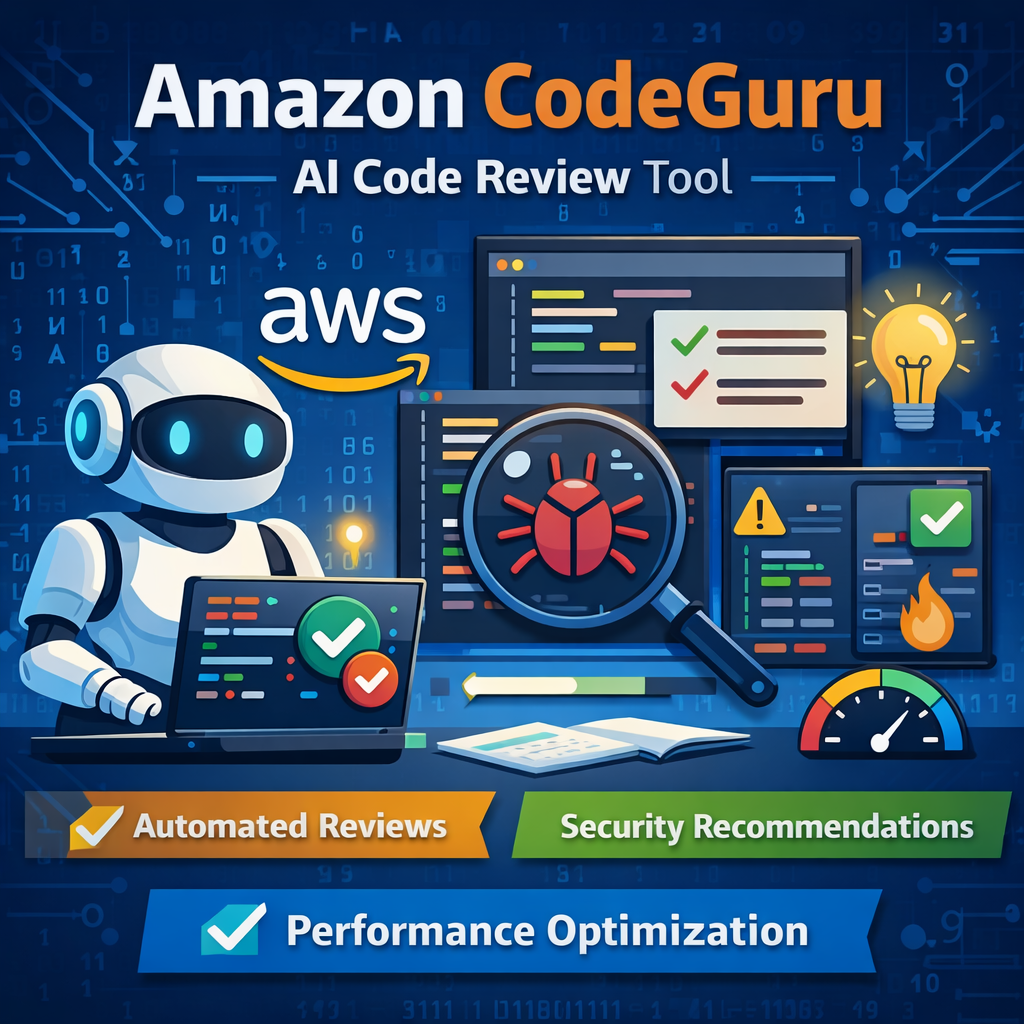
Amazon CodeGuru is a cloud-based, AI-powered tool designed to improve code quality and optimize application performance. It helps development teams automatically review their code and identify areas where improvements can be made, both in terms of efficiency and security.
One of the key strengths of Amazon CodeGuru is that it focuses not only on detecting bugs but also on enhancing overall application performance. This makes it especially valuable for teams building scalable cloud applications.
Amazon CodeGuru consists of two main components:
CodeGuru Reviewer – This feature automatically analyzes your source code to detect security vulnerabilities, hidden bugs, and violations of coding best practices. It works within your development workflow and provides actionable recommendations to improve code quality.
CodeGuru Profiler – This component collects runtime data from your live application to identify which parts of your code are consuming excessive CPU or memory resources. By analyzing real-time performance metrics, it helps developers optimize inefficient code and reduce infrastructure costs.
Best For:
Cloud-native applications and teams working on AWS-based projects who want automated performance insights and intelligent code reviews.
3. Snyk Code
Snyk Code is a modern AI-powered Static Application Security Testing (SAST) solution that helps developers detect and fix security vulnerabilities while writing code. It performs real-time scanning and integrates directly into the development environment, allowing issues to be identified early in the coding process.
What makes Snyk Code stand out is its combination of artificial intelligence and human security expertise. It uses DeepCode AI technology trained on millions of open-source repositories, and its findings are validated by security researchers. This blend of machine learning and expert verification improves both accuracy and reliability.
Another major advantage is its focus on actionable fixes. Instead of only pointing out security flaws, Snyk Code also provides clear remediation guidance, helping developers understand how to resolve vulnerabilities effectively.
Best For:
Security-focused teams and organizations that prioritize secure coding practices and want proactive vulnerability detection within their development workflow.
4. DeepCode
DeepCode is an AI-powered tool designed to analyze open-source code and provide intelligent suggestions to improve its quality. It scans codebases to identify hidden bugs, security vulnerabilities, and potential coding issues that developers might miss during manual reviews. Because of its powerful analysis engine, it can examine large amounts of code quickly and highlight risky areas.
One of the most useful features of DeepCode is its ability not only to detect problems but also to suggest possible fixes. The system reviews the structure and logic of the code and recommends improvements through its DeepCode AI Fix suggestions. This makes it particularly helpful for beginners who may not yet understand complex coding mistakes or security risks.
By automatically scanning code and pointing out where improvements are needed, DeepCode helps developers write cleaner, safer, and more reliable applications.
Best for: Large codebases.
5. Codiga

Codiga is an AI-powered static code analysis tool that helps developers maintain high coding standards and improve code quality. It offers a custom rules system and a quality scoring feature that allow teams to enforce specific coding guidelines across their projects.
Previously known as Code Inspector, Codiga focuses on identifying coding errors, security vulnerabilities, and inefficient patterns in the code. It provides real-time analysis while developers are writing code in IDEs such as VS Code and JetBrains. This means mistakes can be detected and corrected immediately instead of being discovered later in the development process.
Another advantage of Codiga is its integration with modern development workflows. By highlighting issues instantly and offering practical suggestions, it helps developers write safer and more maintainable code. This makes the tool especially useful for teams that want to keep their projects consistent and secure.
Best for: Teams that follow strict coding guidelines.
6. Sourcegraph

Sourcegraph is a powerful AI-driven code search and intelligence platform designed to help developers understand and navigate large codebases. It is especially useful for organizations that manage multiple repositories or complex software projects.
One of the key features of Sourcegraph is its Universal Code Search, which allows developers to quickly locate specific functions, variables, or code snippets across thousands of files. Instead of manually searching through multiple repositories, developers can find exactly where a piece of code is used within seconds. This greatly improves productivity when working on large projects.
In addition to code search, Sourcegraph also provides AI-based feedback for pull requests and helps developers better understand how different parts of a codebase are connected. Because of these capabilities, it becomes easier to maintain and improve large software systems.
Best for: Large development teams.
7. Tabnine
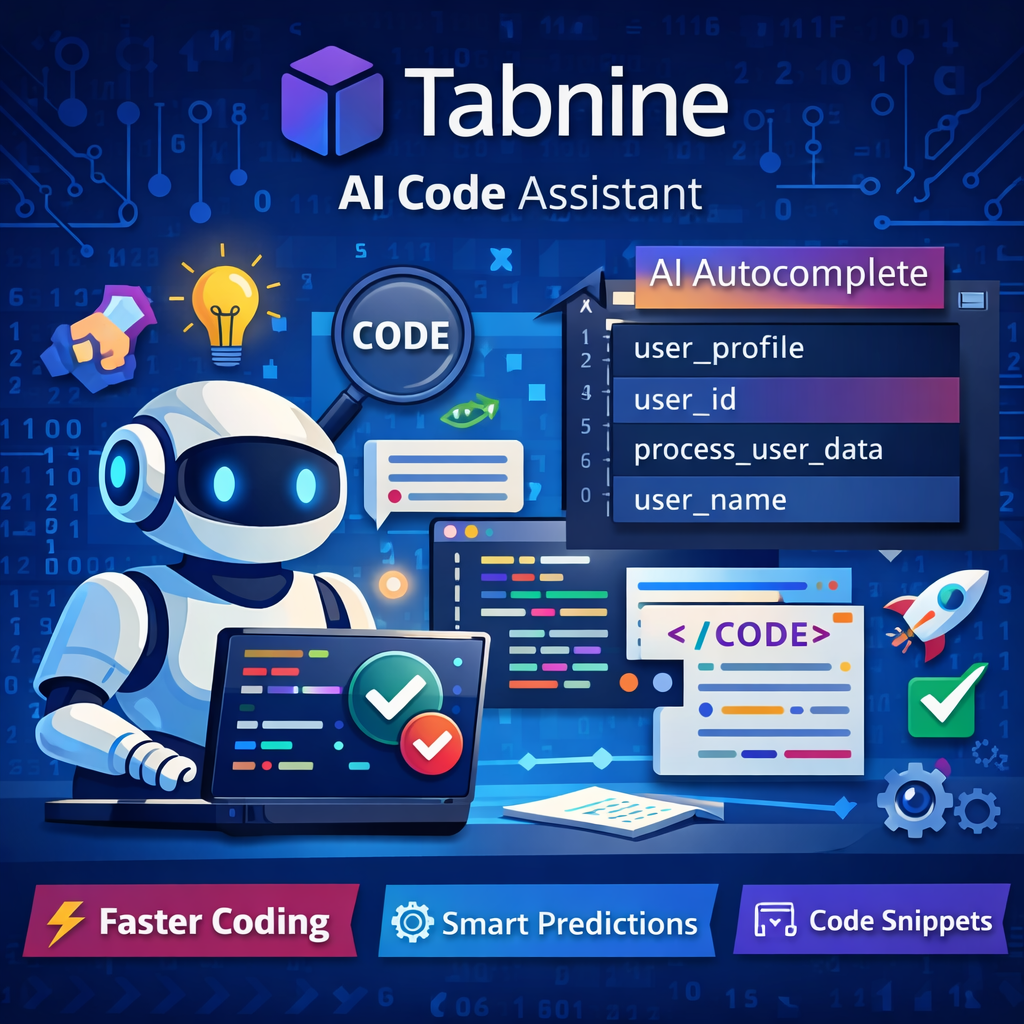
Tabnine is an advanced AI-powered coding assistant that helps developers write code faster and more efficiently. It provides context-aware suggestions while coding, allowing programmers to complete lines or even entire blocks of code with minimal effort.
One of Tabnine’s most valuable features is its AI Autocomplete capability. As a developer begins typing, the tool predicts the next part of the code based on context, similar to predictive text on smartphones but specifically designed for programming. This feature significantly speeds up the coding process and reduces repetitive typing.
Tabnine integrates with many popular IDEs and development environments, making it easy for developers to use within their existing workflow. It is often considered one of the major competitors to GitHub Copilot due to its intelligent suggestions and productivity benefits.
Best for: Freelancers and small development teams.
8. ReviewBot
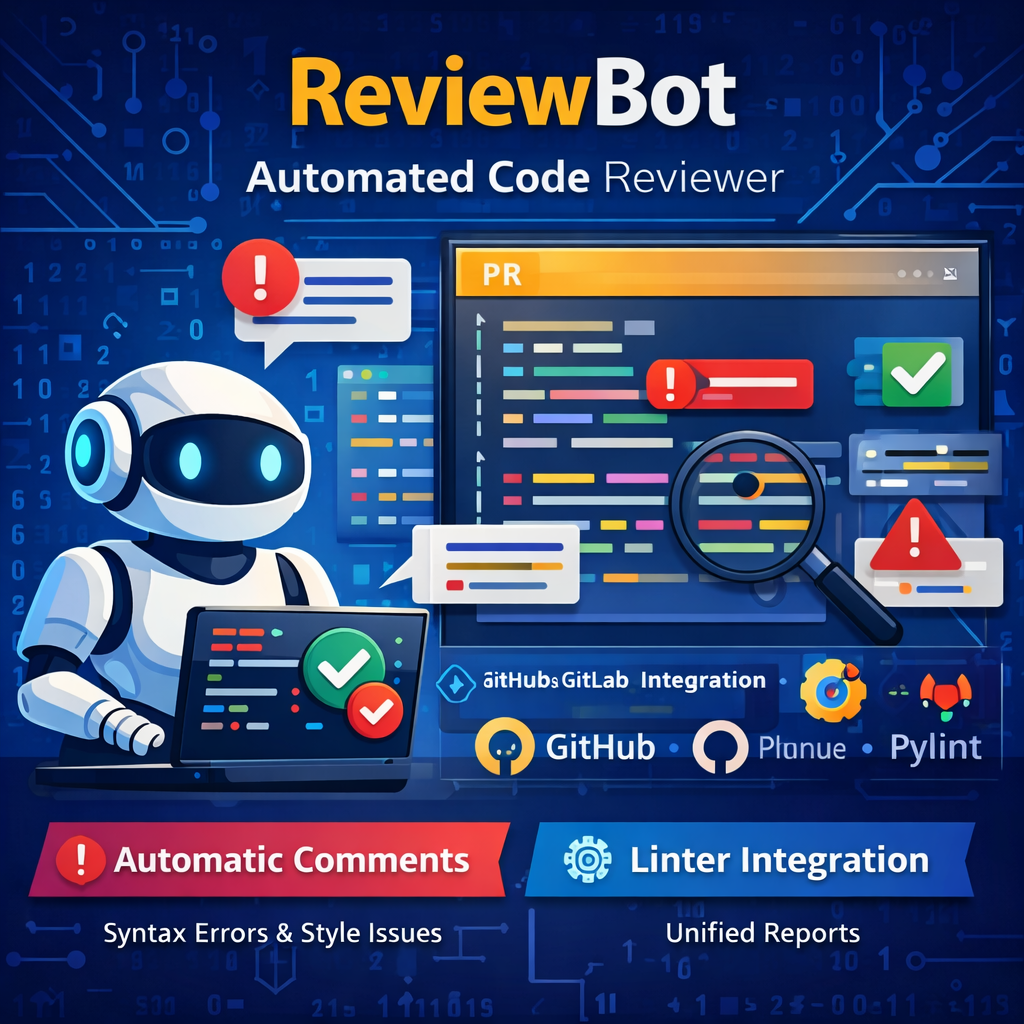
ReviewBot is an automated code review tool that helps development teams check their code more efficiently. It usually works alongside platforms like GitHub or GitLab, where it automatically reviews pull requests (PRs) and provides feedback based on predefined rules.
One of its most useful features is Automatic Comments. When developers submit a pull request, ReviewBot scans the code and immediately highlights common issues such as syntax errors, formatting problems, or basic coding mistakes. This allows developers to correct issues quickly before the code is merged into the main project.
Another valuable feature is Linter Integration. ReviewBot can combine reports from different linters, such as ESLint or Pylint, and present them in one place. This makes it easier for teams to maintain consistent coding standards and keep their projects well-structured and organized.
Best for: Teams that follow specific code review standards.
9. Phind Code Review
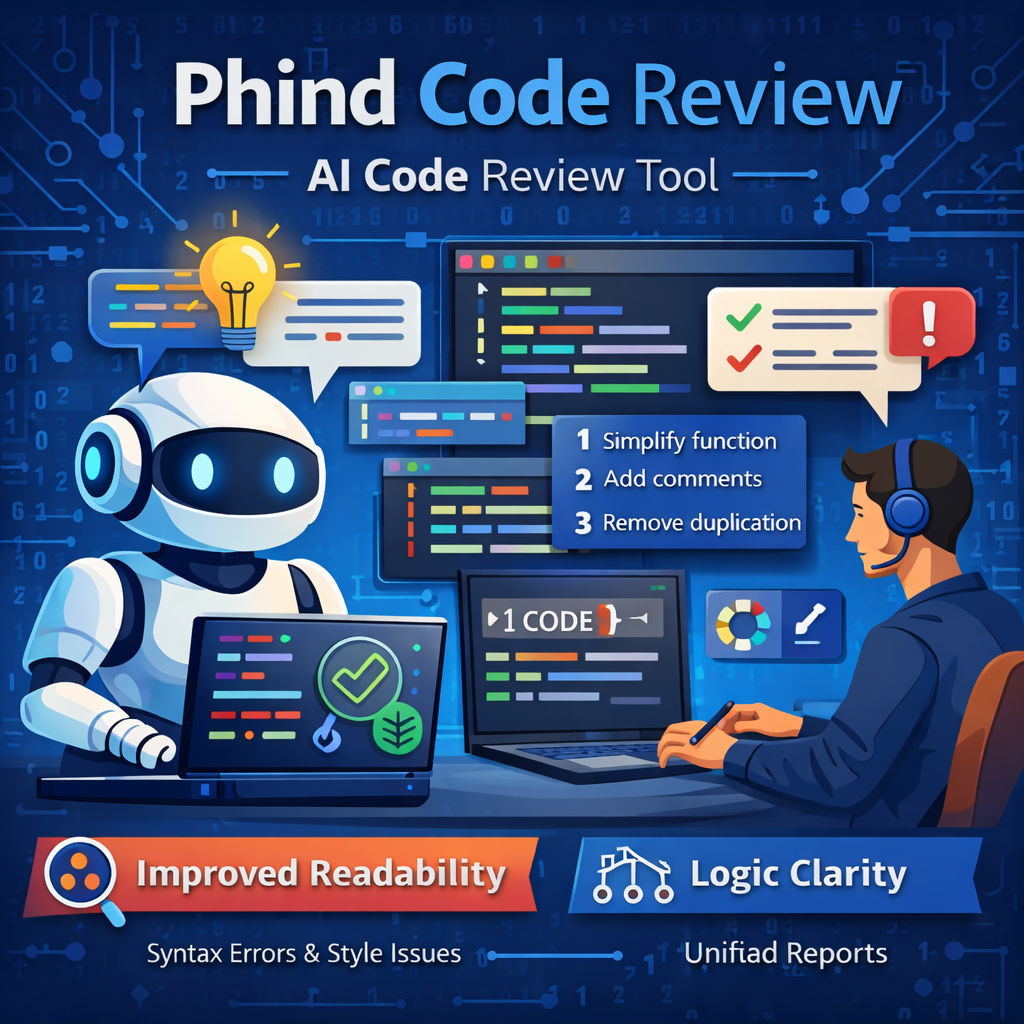
Phind Code Review is an AI-powered tool designed to improve the readability and logical structure of code. Instead of focusing only on detecting errors, it helps developers refine their code by offering suggestions that make it easier to understand and maintain.
The tool analyzes how the code is written and provides recommendations to improve clarity, structure, and overall logic. This can be particularly helpful for teams that want their codebase to remain clean and easy to manage over time.
By focusing on readability and maintainability, Phind Code Review helps developers write code that is not only functional but also well-organized and easier for other developers to understand.
Best for: Projects that prioritize clean and maintainable code.
10. CodeAI
CodeAI is a machine learning–based code review system that analyzes pull requests and provides intelligent feedback to developers. It is designed to improve the development workflow by integrating artificial intelligence directly into the coding environment.
This tool is particularly built for developers working with Apple’s development ecosystem, especially those who use Xcode. By embedding AI capabilities into the coding process, CodeAI helps developers review code faster and identify potential improvements without interrupting their workflow.
One of its most useful features is Xcode Integration. CodeAI works as an extension within Xcode, allowing iOS and macOS developers to review and improve their code without constantly switching between different tools or platforms. This streamlined workflow makes development more efficient and convenient.
Because of its smart suggestions and automation features, CodeAI can also be helpful for beginners who are still learning how to review and improve their code effectively.
Best for: Automated development pipelines.
How to Choose the Best AI Code Review App
Selecting the right AI code review tool depends on your development needs and workflow. Different tools focus on different features, so it is important to evaluate what matters most for your project.
Identify Your Primary Need
Start by determining what you want the tool to focus on. Some tools specialize in security, while others are better for productivity or large-scale development.
- Security-focused projects: Snyk Code
- Cloud-based development: Amazon CodeGuru
- Faster coding assistance: GitHub Copilot
- Large team collaboration: Sourcegraph
Check Integration Options
Before choosing a tool, make sure it integrates smoothly with the platforms you already use. The best AI code review apps should work well with systems such as GitHub, GitLab, or your CI/CD pipeline. Proper integration ensures that the review process fits naturally into your existing workflow.
Review Language Support
Not every AI code review tool supports all programming languages. Some tools are optimized for specific languages or frameworks, so it is important to confirm that the tool supports the languages used in your project.
Benefits of AI Code Review
AI-powered code review tools provide several advantages that can significantly improve the software development process.
Reduced Technical Debt
AI tools can detect repetitive coding mistakes early in the development cycle. By identifying these issues sooner, developers can avoid accumulating technical debt over time.
Time Efficiency
Automated code analysis reduces the amount of time required for manual code reviews. This allows development teams to focus more on building features and improving functionality.
Consistent Coding Standards
AI tools apply the same rules and standards to every piece of code. This ensures consistency across the entire project, regardless of which developer writes the code.
Improved Security
AI systems can identify hidden vulnerabilities that human reviewers might overlook. This helps strengthen the security of applications and reduces the risk of potential exploits.
Best Practices for Using AI Code Review Tools
To get the most value from AI code review systems, it is important to follow a few best practices:
- Combine AI reviews with human reviews for better accuracy.
- Set custom rules that match your project’s coding standards.
- Integrate the tool early in the development process.
- Regularly monitor performance and feedback quality.
Conclusion
AI-powered code review tools are transforming the modern software development process. These applications provide fast, accurate, and intelligent feedback that helps developers improve both code quality and security.
Whether you are a freelancer or part of a development team, adopting AI code review tools can significantly increase productivity and efficiency. The best approach is to start with a tool that fits your current needs and gradually optimize your development workflow as your projects grow.
I personally recommend Hostinger for beginners because of its affordable pricing and easy setup.
👉 Start here:https://hostinger.com?REFERRALCODE=IWWINFOVISTA
If you want to organize your ideas, tasks, and important information efficiently, check out this guide on the Top 10 Apps for Note-Taking. It covers some of the best tools that help you capture ideas, manage notes, and boost productivity across devices.
Read more: https://infovistaworld.com/top-10-apps-for-note-taking/
Blogging can be a powerful skill for students who want to share knowledge, build an online presence, and improve writing skills. This article highlights the Top 10 Blogging Tools for Students that make content creation, research, and publishing easier.
Read more: https://infovistaworld.com/top-10-blogging-tools-for-students/